
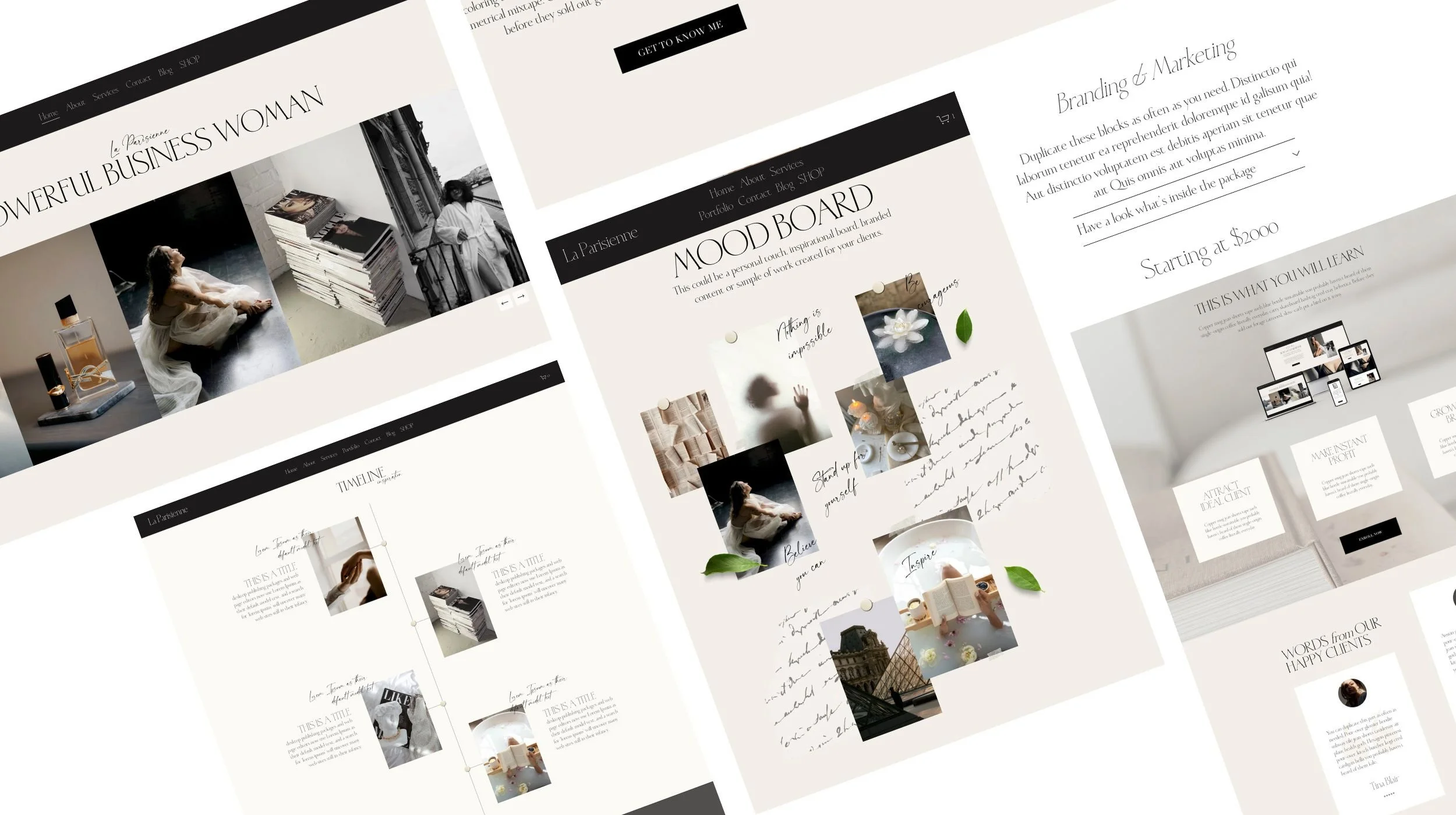
Moodboard Page
Your Vision Deserves More Than a Pinterest Board
Add-on Page to “Emonette” Website Template (Squarespace 7.1)
The Moodboard Add-On Page turns creative direction into a branded, scroll-stopping experience that aligns clients, sells your vision, and transforms inspiration into strategy — all in one stunning, easy-to-use website page.
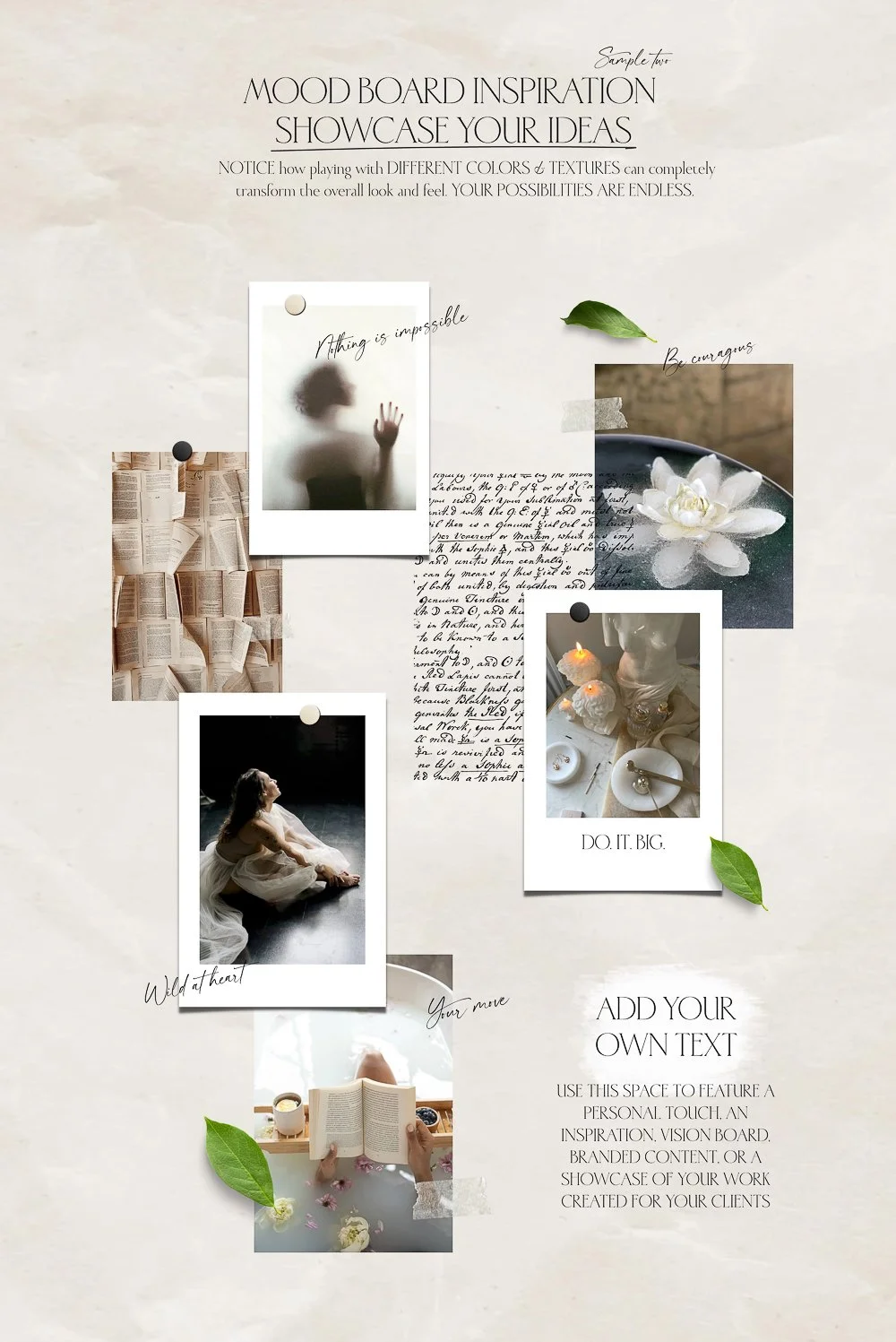
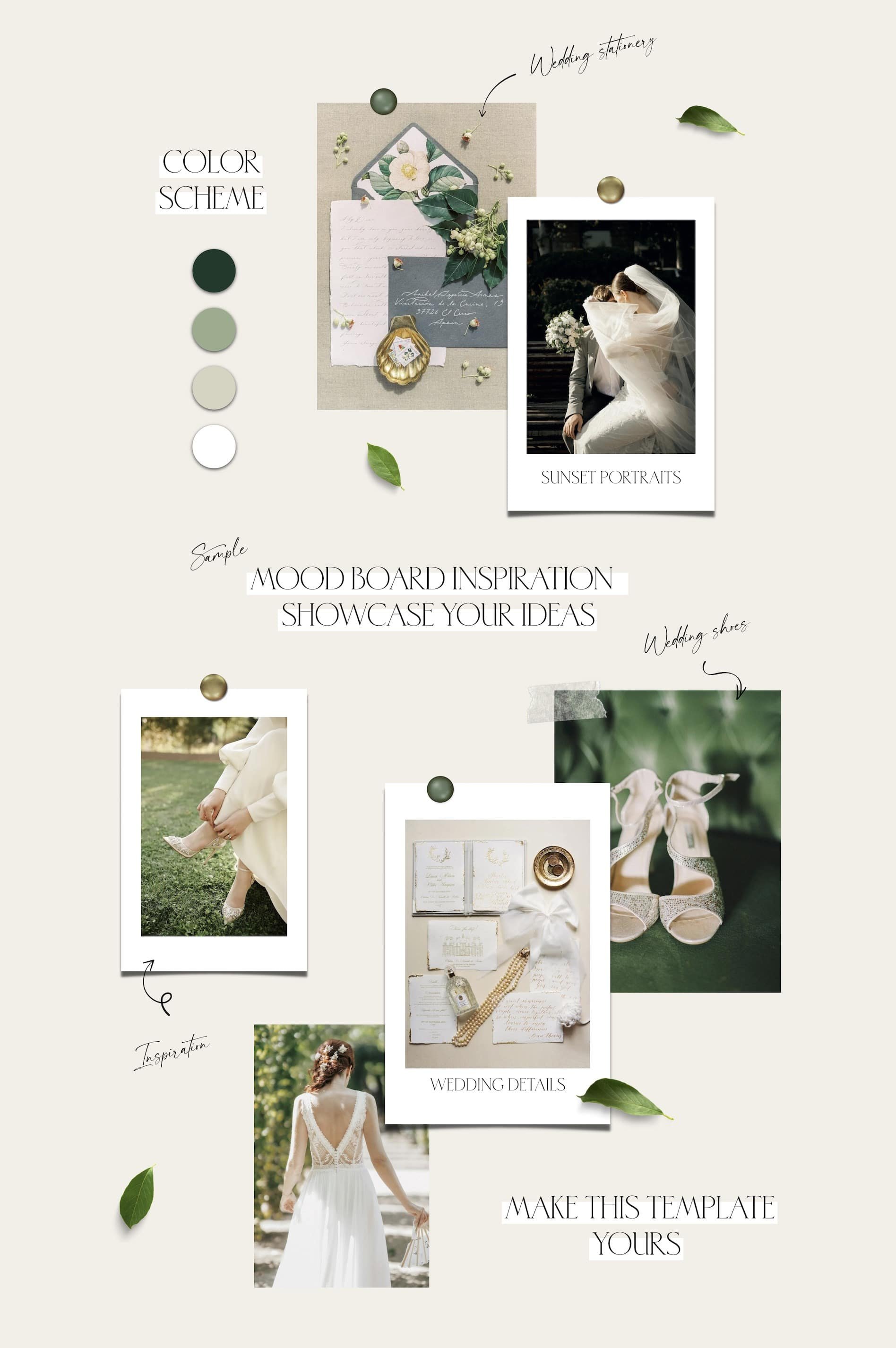

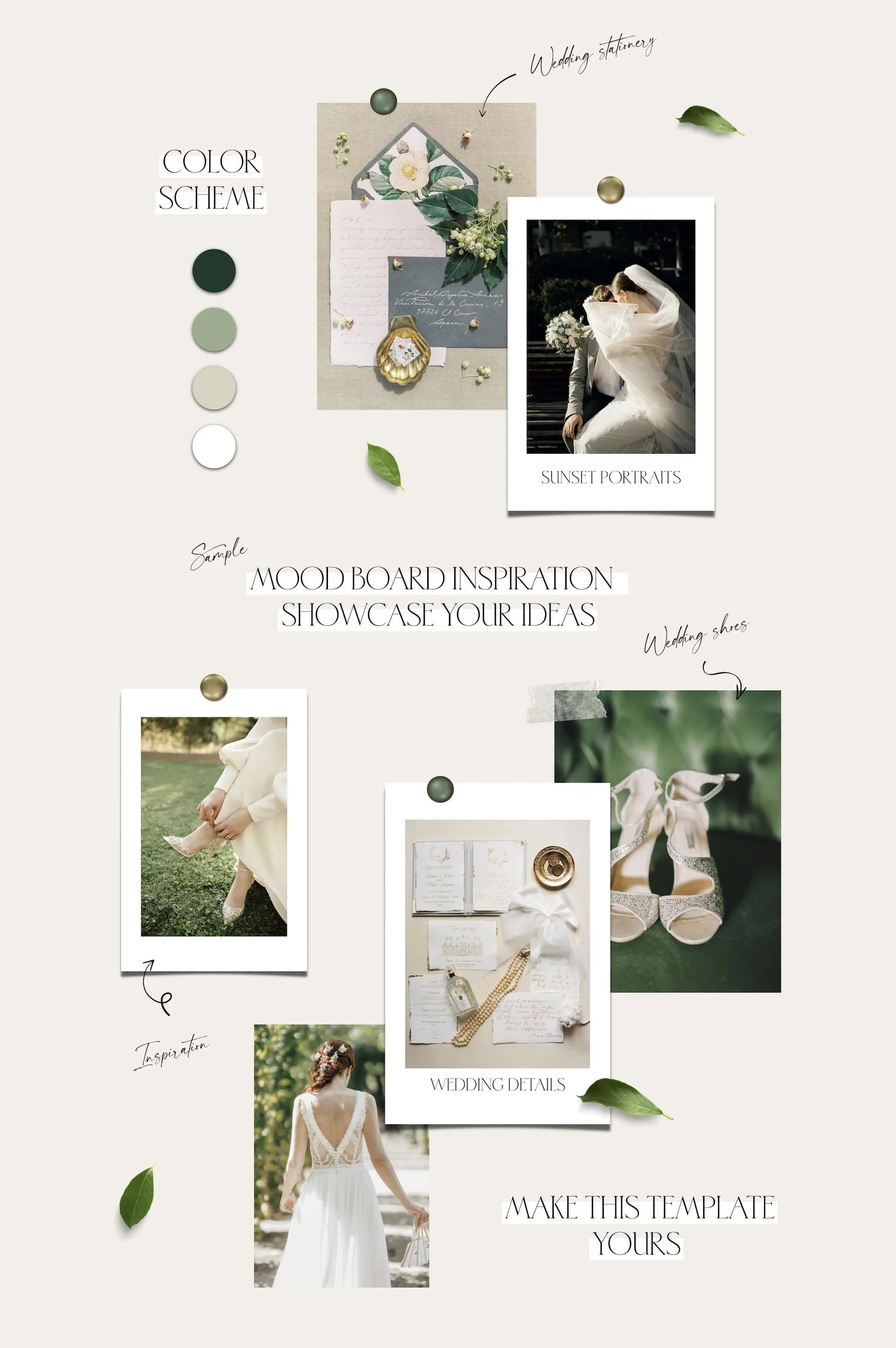
This isn’t just another moodboard — it’s a visual experience. The Moodboard Add-On Page gives your ideas a home that looks as polished as your work feels, helping visualize concepts, communicate your vision & turn raw inspiration into a powerful, conversion-ready story that clients can see, feel, and trust.
Forget messy files. The Moodboard Page helps you showcase your creative direction with confidence — a visual blueprint that elevates your process from concept to delivery. Finally, a Moodboard that works like You Do.

Add-on Page to “Emonette” Premium Website Template (Squarespace 7.1 )
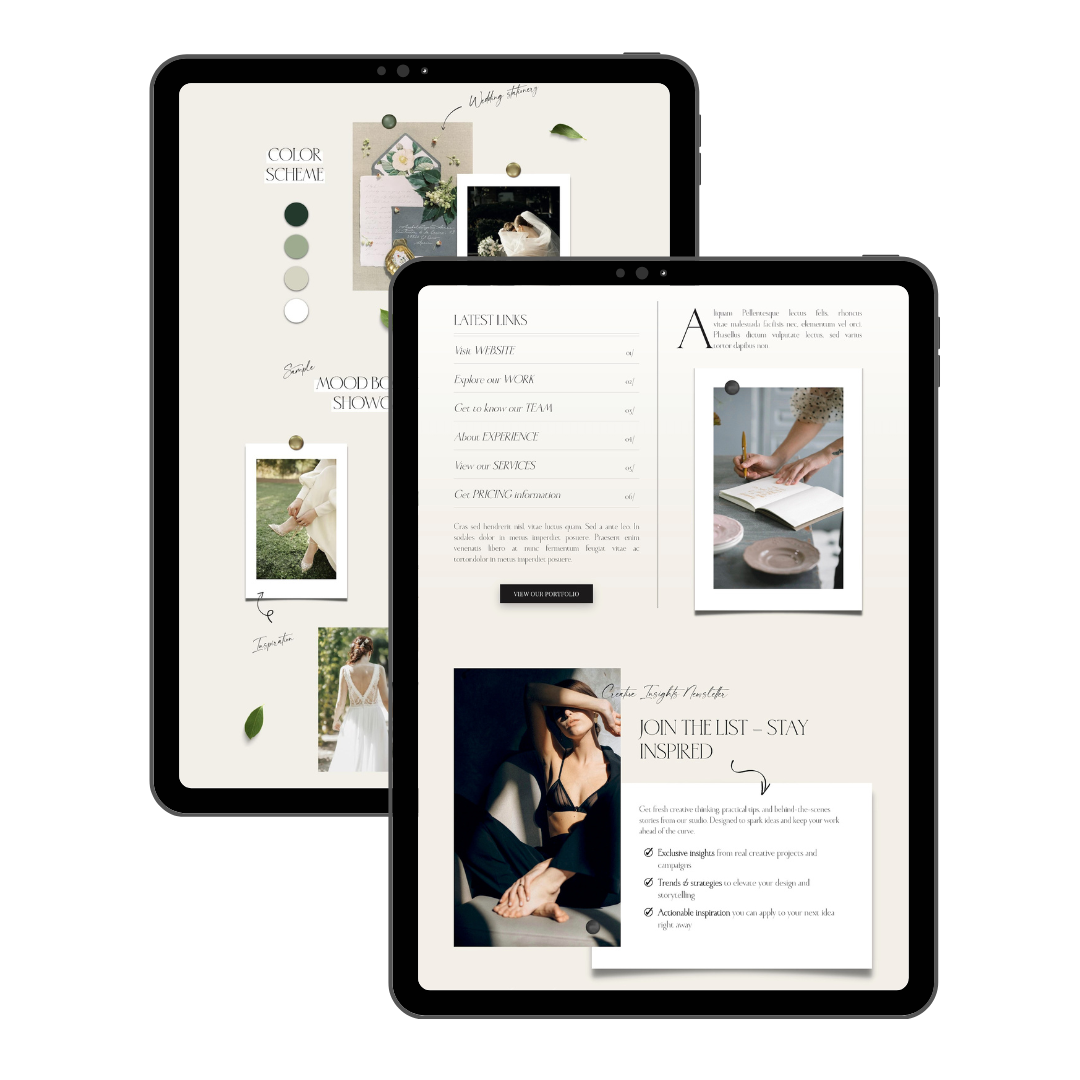
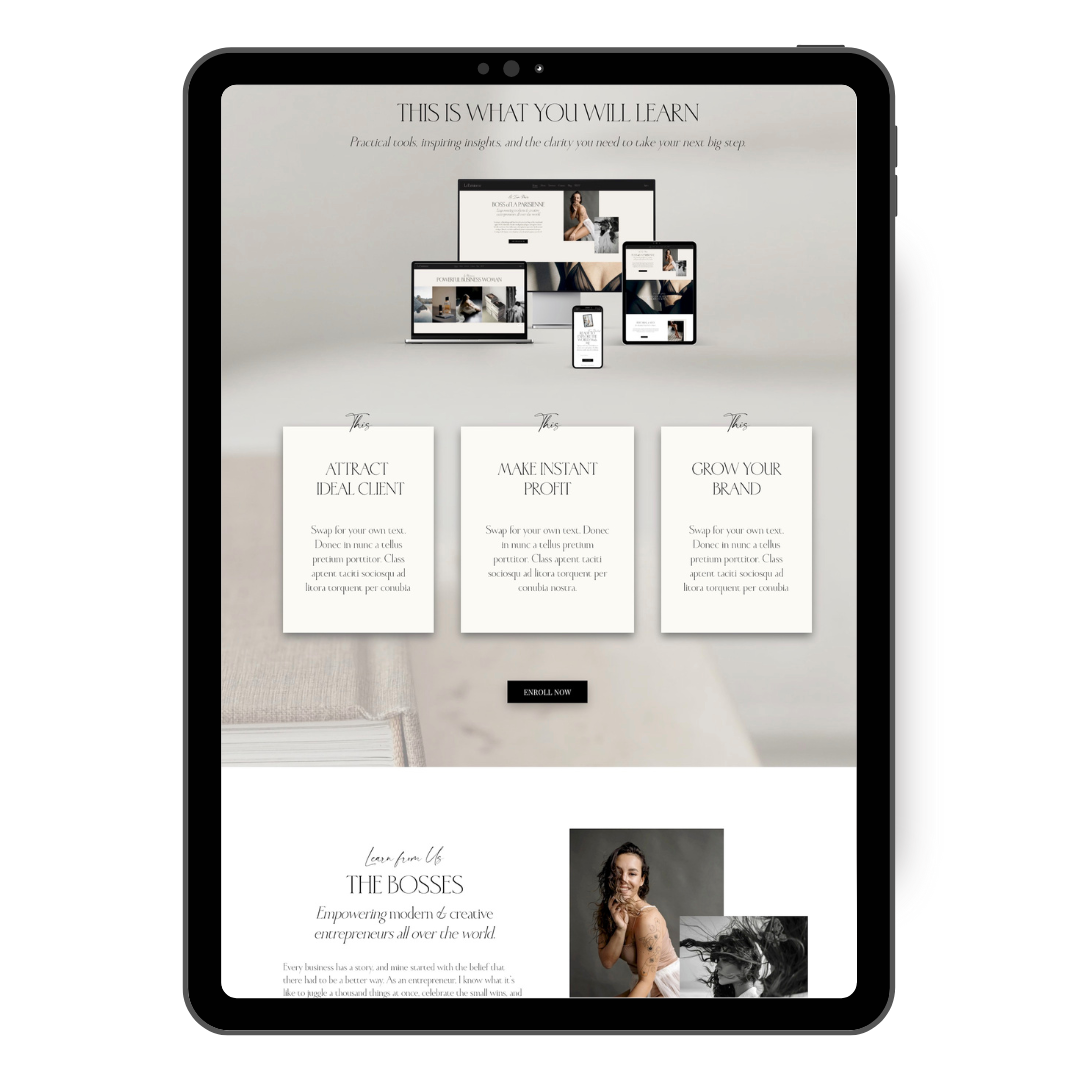
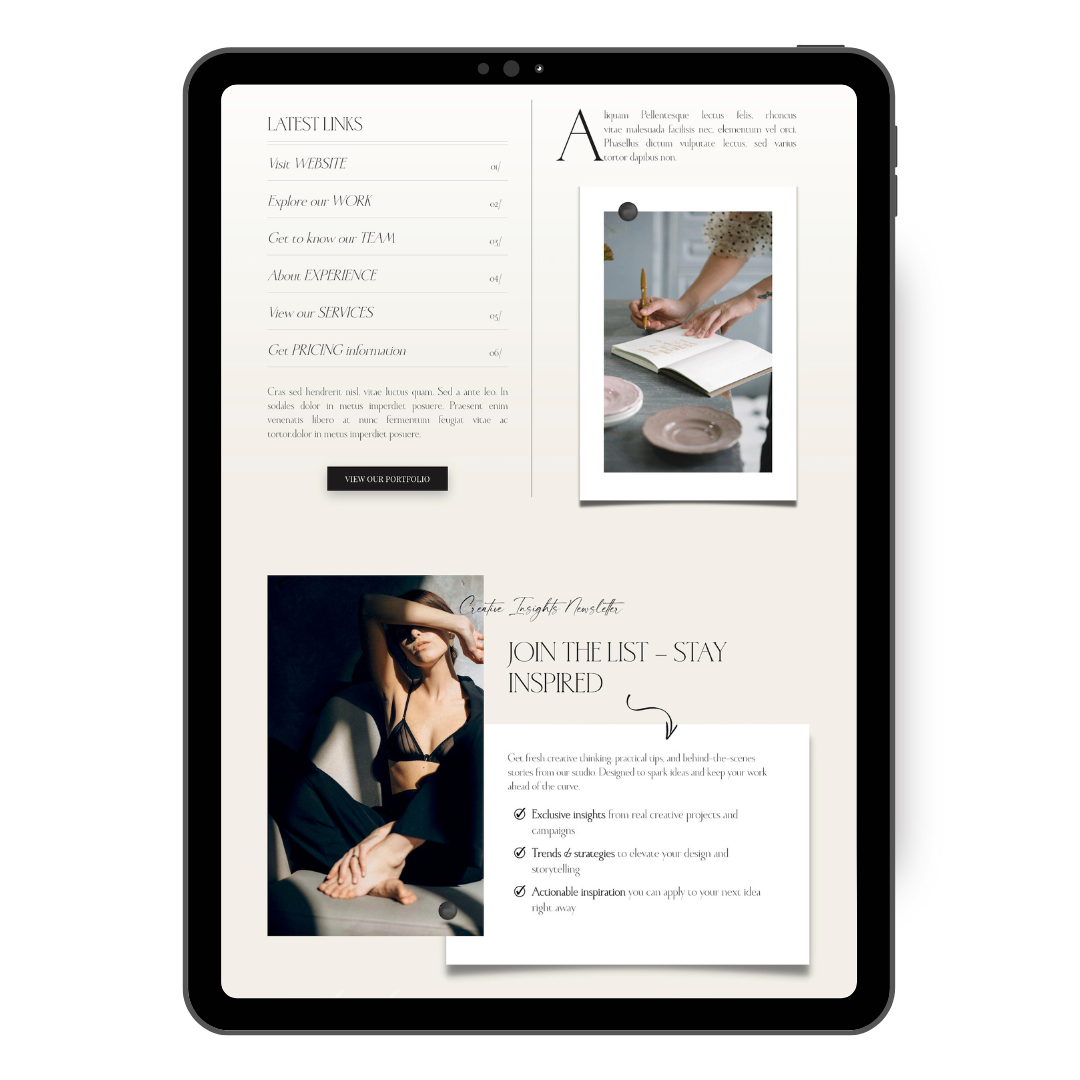
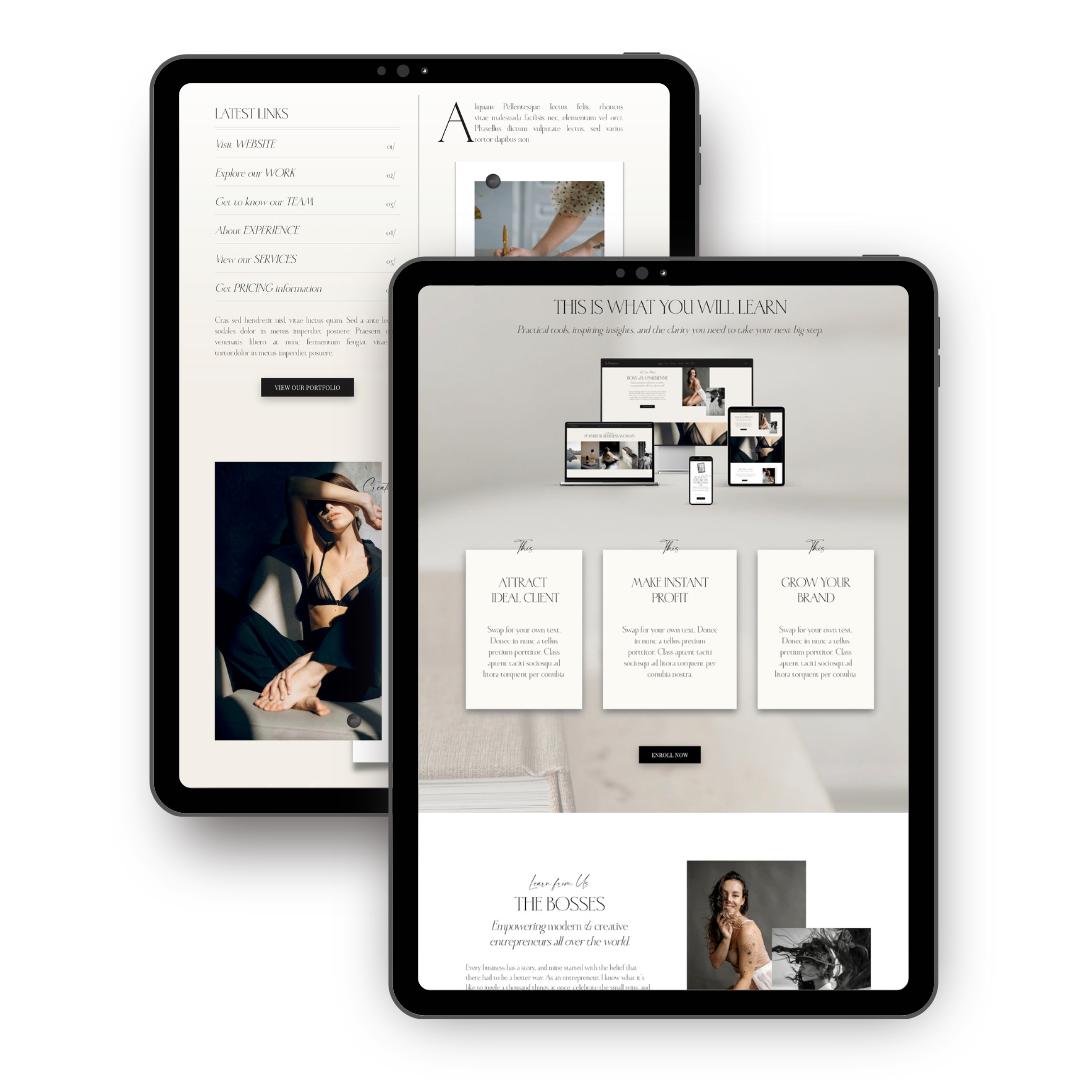
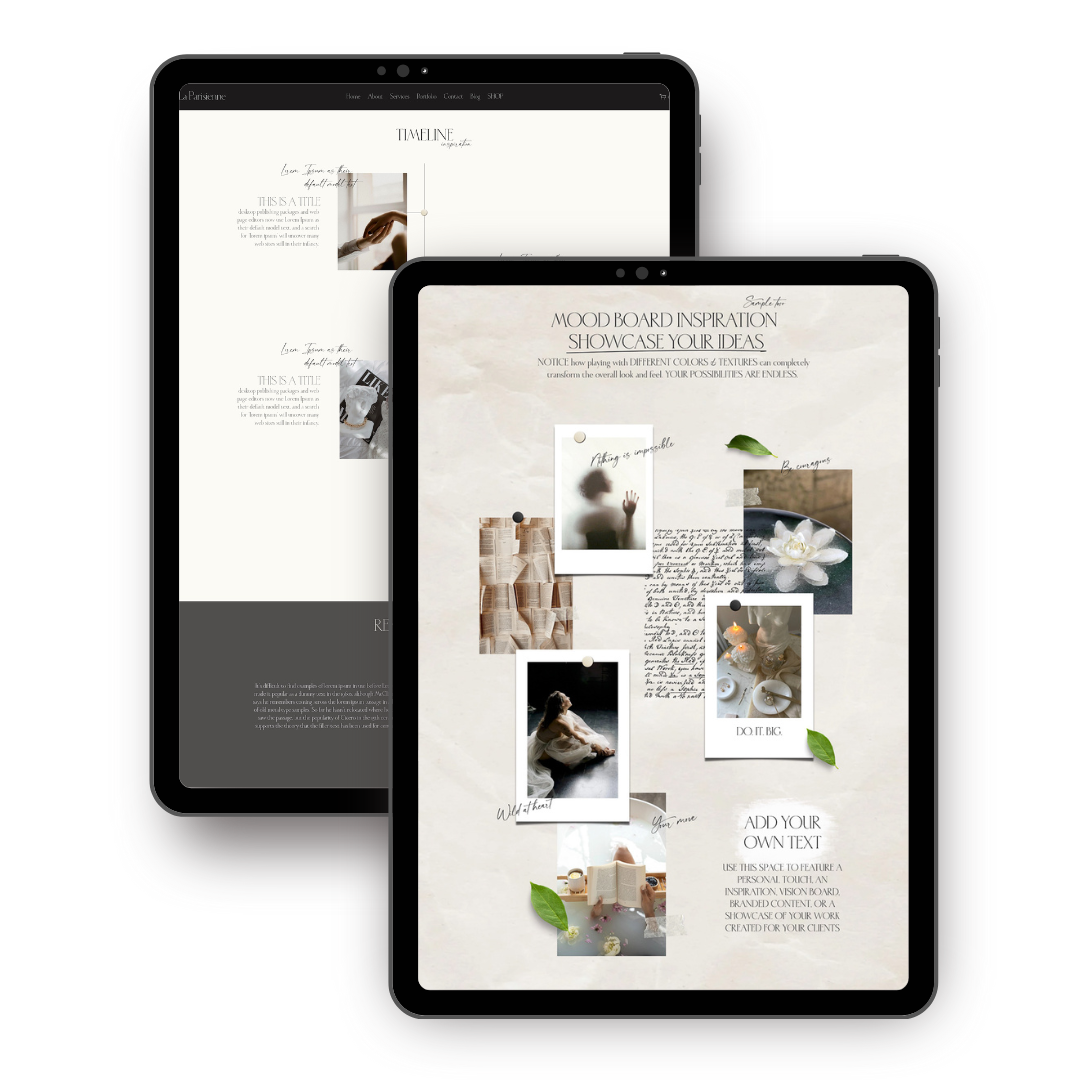
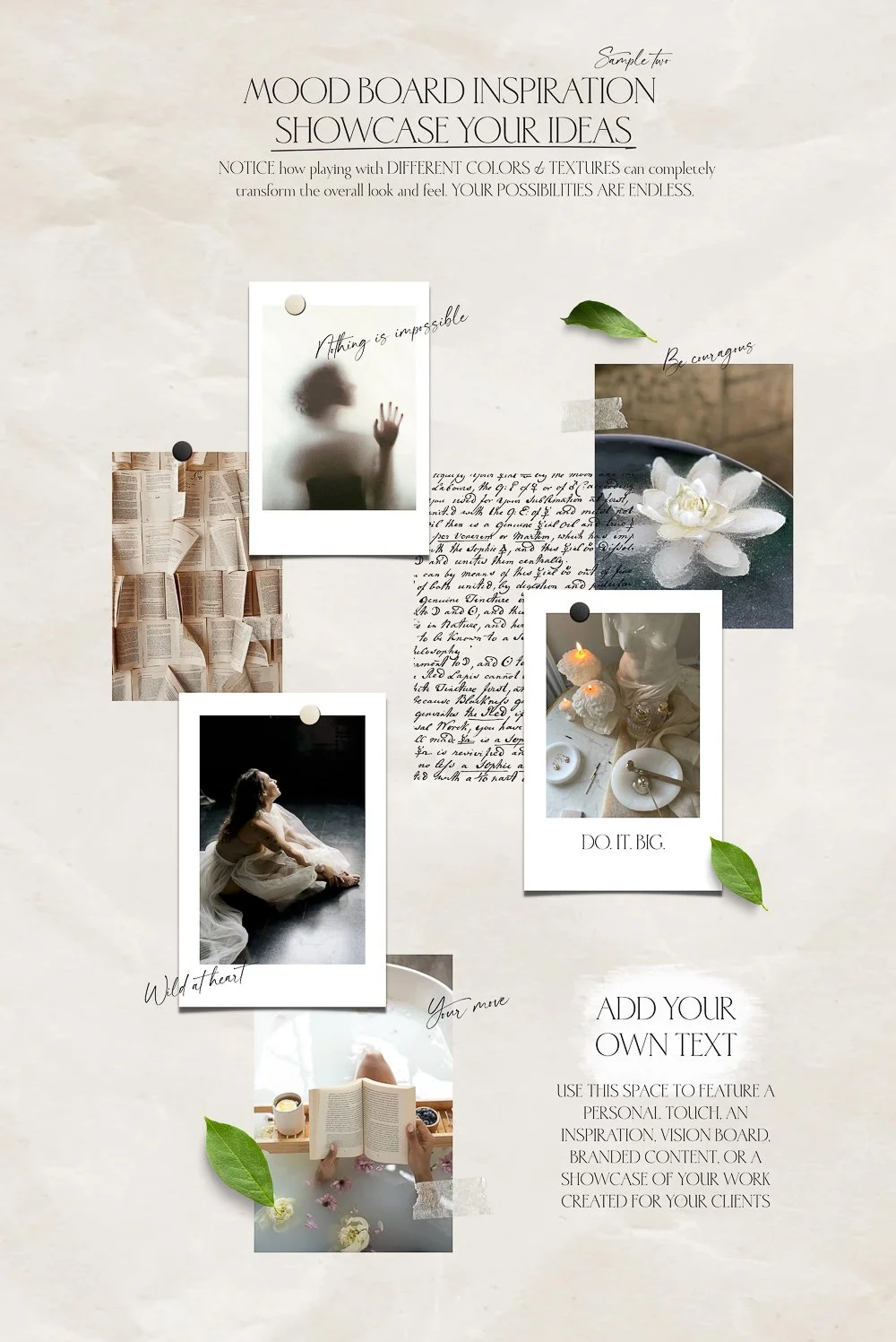
The Moodboard page was designed to pair perfectly with “Emonette” Premium Website template. It features eye-catching sophisticated elements beautifully arranged into the inspirational layout, using 3D elements, layering & animation. Moodboard page can be used as a personal touch to the website, feature branded content, showcase your work created for your client, and more. It pairs perfectly with Insta-link Page, Thank you page & Timeline Page.
All elements showcased in the Demo are delivered with the template. Moodboard Page can be purchased alone or as a part of the “Add-ons Bundle”.
View live DEMO ➤
Explore the Add-on Page ➤
Pair it with
$79
Add-on Page to “Emonette” Premium Website Template (Squarespace 7.1 )
The Moodboard page was designed to pair perfectly with “Emonette” Premium Website template. It features eye-catching sophisticated elements beautifully arranged into the inspirational layout, using 3D elements, layering & animation. Moodboard page can be used as a personal touch to the website, feature branded content, showcase your work created for your client, and more. It pairs perfectly with Insta-link Page, Thank you page & Timeline Page.
All elements showcased in the Demo are delivered with the template. Moodboard Page can be purchased alone or as a part of the “Add-ons Bundle”.
View live DEMO ➤
Explore the Add-on Page ➤
Pair it with
Here’s exactly what’s inside
the Moodboard Add-On Page
Template built in features
-
The Moodboard Page is used exclusively in conjunction with the Emonette website
The Add-on Page Template is specifically designed to complement the “Emonette” Squarespace 7.1 Premium Website, featuring matching layouts, typography, design elements, and functionality.
The Add-on is delivered as a Page on the Emonette website within 48h after the purchase. Just accept the contributor’s invite and you’re ready to go.
-
Ready-to-use sections and elements designed for creative direction — simply copy, paste, delete, or duplicate to fit your vision.
You can also add your own custom pieces, like visuals or elements created in Canva, and upload them directly to your Moodboard Page in Squarespace.
You can create unlimited moodboard pages (for each client or project) and add as many elements as you need — no limits, just creative freedom.
-
Match your page perfectly to your brand — colors, fonts, buttons, and layouts tailored to your unique style.
-
Your moodboard automatically adapts to every screen size — beautiful, clean, and client-ready everywhere.
-
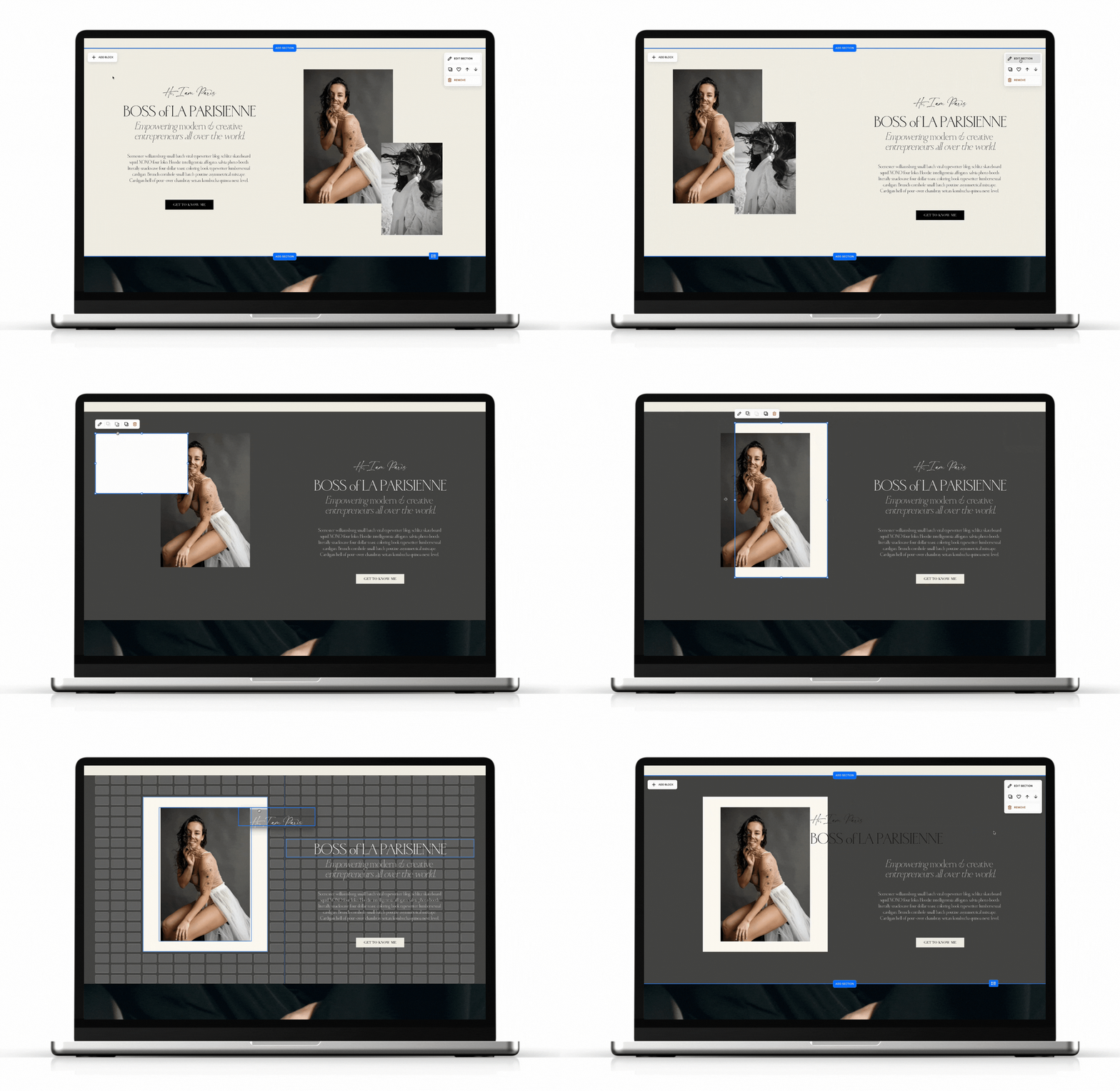
Edit text, swap images, and adjust layouts directly in Squarespace — no code, no stress. All Drag & Drop.
-
All Squarespace tracking tools work seamlessly on this page — keep your SEO intact and measure how visitors engage with your content.
-
Add short descriptions, creative notes, or image captions to explain your direction with clarity and confidence.
-
Want to make it yours? Add any Squarespace block, section, or custom design element — the page is built to adapt seamlessly to your creative needs.
Requirements
Please note that Add-on Pages are not standalone websites and are intended to be used exclusively in conjunction with the Emonette website template.
It’s highly recommended to purchase the Add-on together with the main website — along with any additional add-ons you may require — to ensure a seamless site transfer.
Before purchasing an Add-on Page, please make sure to review the requirements of the Emonette website template, as these will also apply when integrating any add-on.
Buying options
Pairs with
Save with bundle
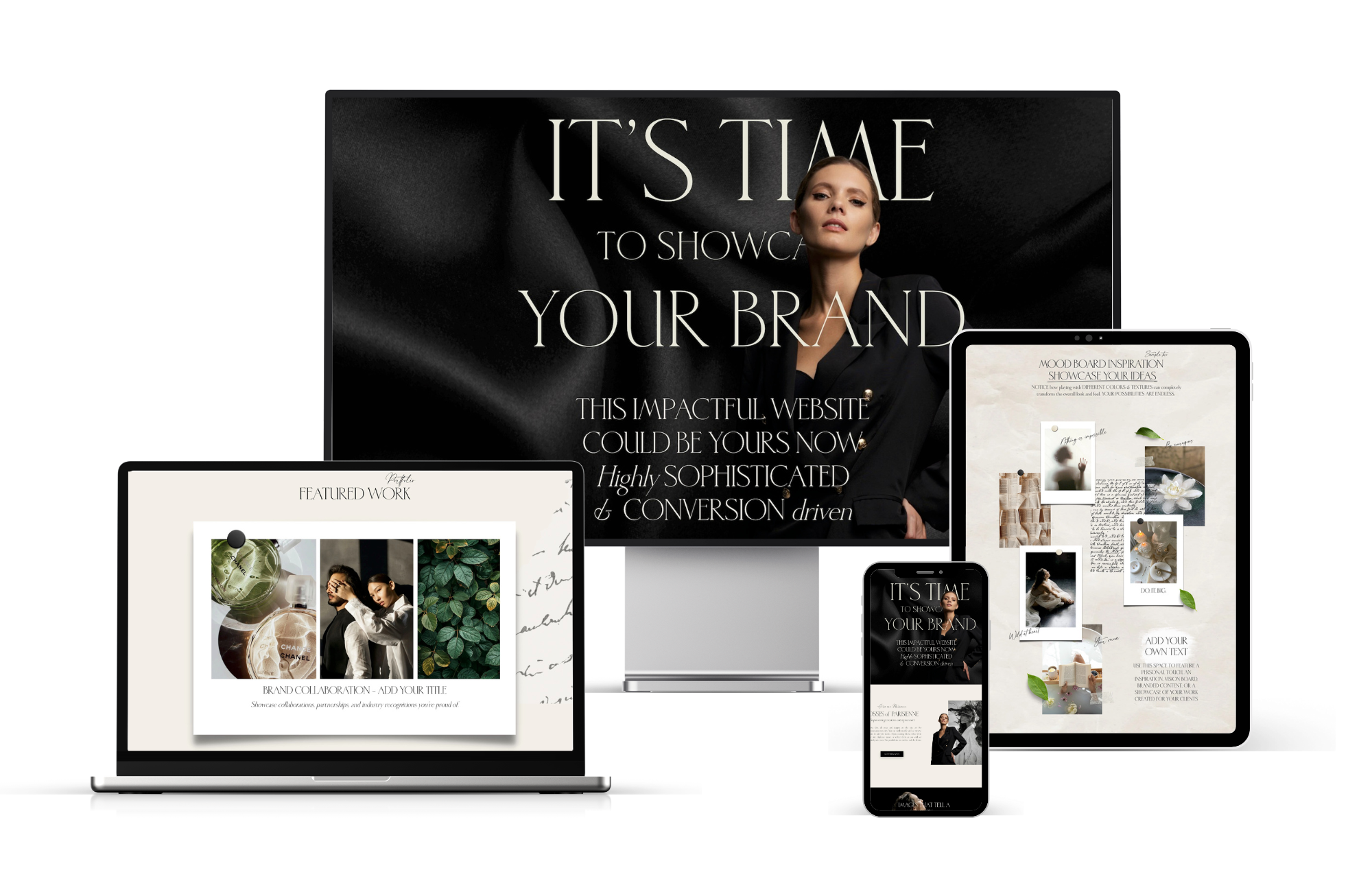

Add-ons Bundle to “Emonette” Premium Website Template (Squarespace 7.1 )
This bundle includes
Insta-Link Page (Add-on) ➤
Moodboard Page (Add-on) ➤
PAIR IT WITH
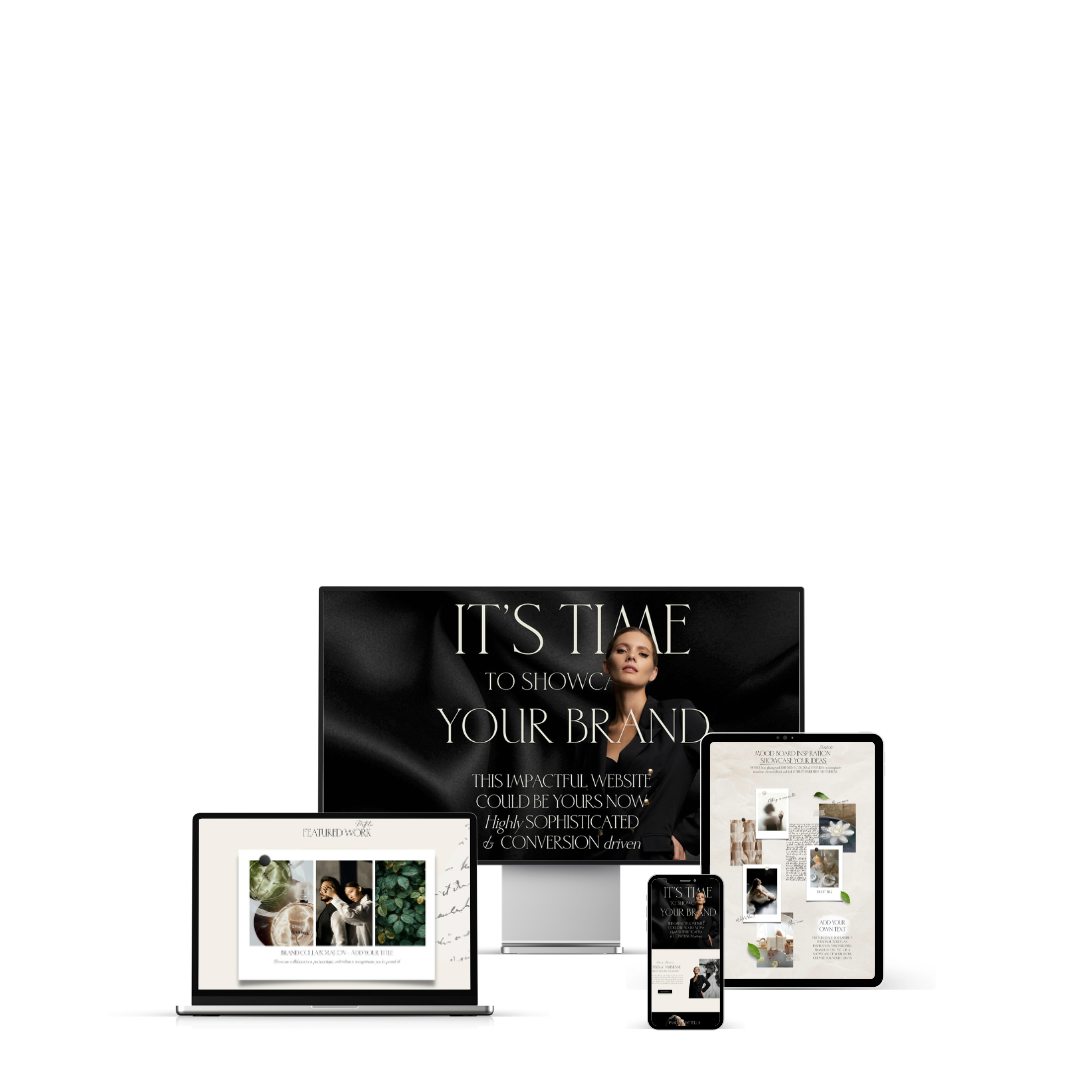
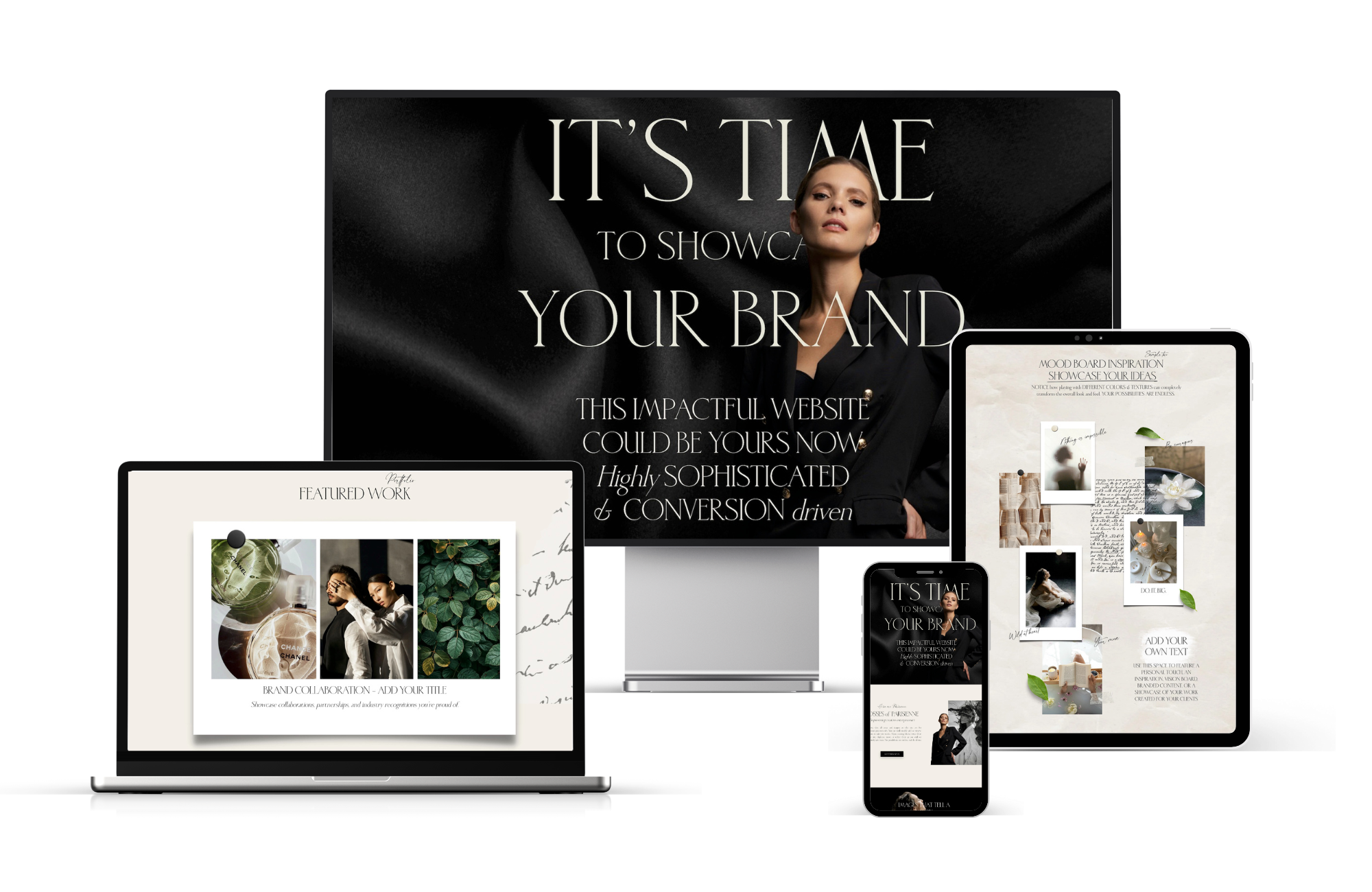
Emonette — a sophisticated, designer-made Premium Squarespace 7.1 template built to help creatives, small businesses, photographers, content creators, agencies, and entrepreneurs stand out online.
Launch your dream website fast. This professional website template is strategically designed to impress visitors, boost SEO rankings, and convert traffic into paying clients. Built with Squarespace Fluid Engine, it’s mobile-responsive, easy to edit, and perfect for growing your brand — without coding or a designer price tag. Beautiful straight out of the box and ready to use now.
View DEMO ➤
Explore the TEMPLATE ➤
Customize with ADD-ON Pages
Insta-Links & Moodboard Page Bundled
Emonette PREMIUM
Website Template
PRO TIP:
Get the Moodboard Page together with all Add-on Pages already built in this website



10 Powerful Reasons Why Your Website Needs
The Moodboard Page
Give your creative direction a place to live, breathe, and impress. Turns your ideas into a visual experience that builds trust, sells your process, and makes your website work harder for you.

Emonette ALL INCLUSIVE PREMIUM Website Template
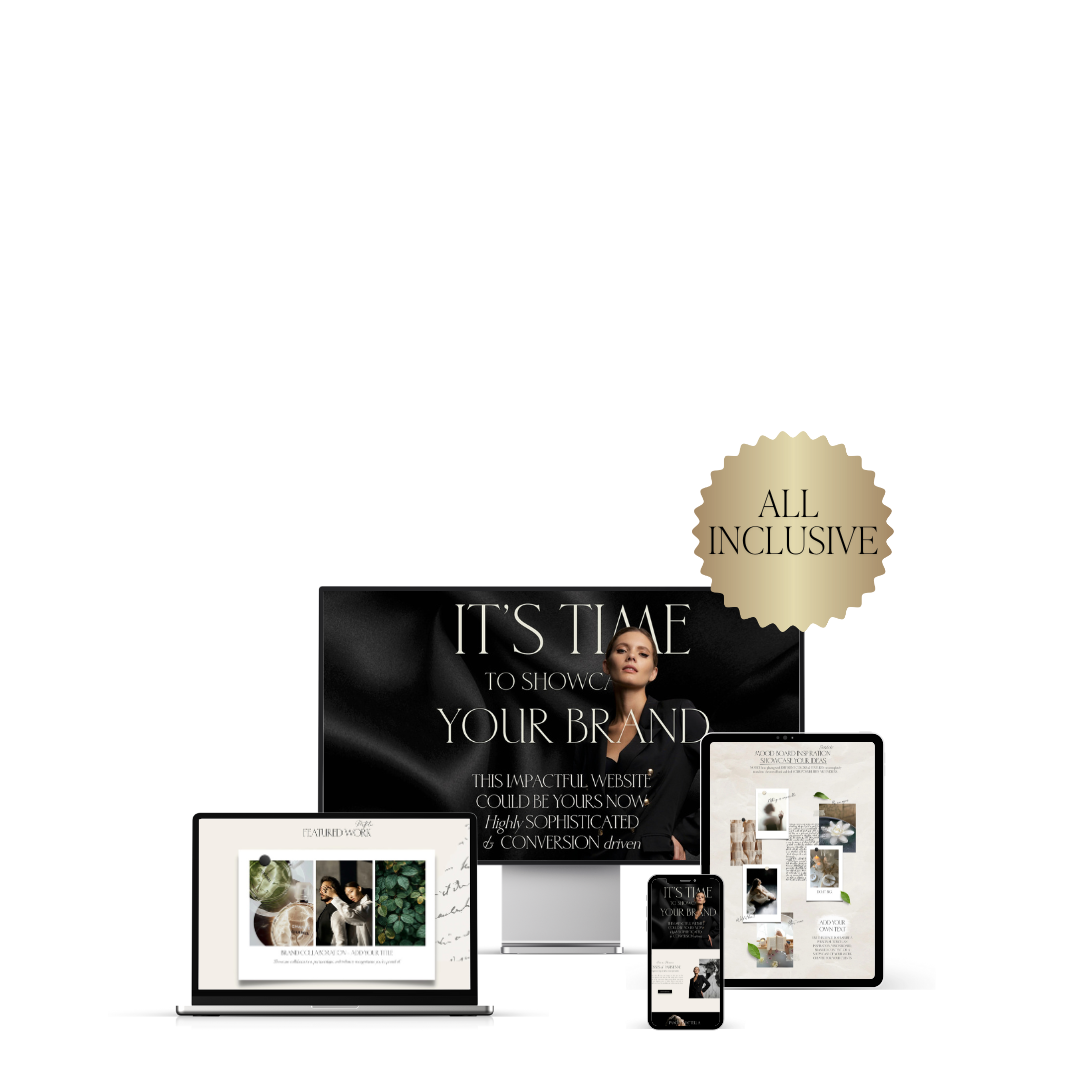
Emonette — a sophisticated, designer-made Premium Squarespace 7.1 template built to help creatives, small businesses, photographers, content creators, agencies, and entrepreneurs stand out online. All Add-on Pages INCLUSIVE.
Launch your dream website fast. This professional website template is strategically designed to impress visitors, boost SEO rankings, and convert traffic into paying clients. Built with Squarespace Fluid Engine, it’s mobile-responsive, easy to edit, and perfect for growing your brand — without coding or a designer price tag. Beautiful straight out of the box and ready to use now.
View DEMO ➤
Explore the TEMPLATE ➤
If your ideas are the inspiration,
YOUR MOODBOARD PAGE
is the translation —turning creative sparks
into a clear, compelling direction
Everyone can follow.

A Signature of digital Elegance
•
Where Ideas take Shape
•
Visual Charm Web Design
•
A Signature of digital Elegance • Where Ideas take Shape • Visual Charm Web Design •
Love the Moodboard Page?
You’ll Love these Add-ons too.


Powerful SEO
features


Drag & Drop
Easy to use
All in one Platform


eCommerce
built-in
User
friendly


Built to Impact
Ready to use
Super customizable
design

Responsive
on every platform

eMail Marketing
built-in

Copy, Duplicate, Adjust to your needs & liking

How it works
Your Path to a Beautiful Squarespace Website
Here’s how to get started
Before your new website starts coming to life, there are just a few things to start thinking about. Don’t worry — you don’t need to have everything perfectly figured out (that’s what the process is for).
Gather what you already have — a few words that capture your brand’s vibe, your story, your offers, or even just a mood you want to share. Choose images that feel right — portraits, brand photos, or visuals that simply speak your language. And if you’ve got a logo, color palette, or fonts, bring them along!
The beauty of my templates is that they evolve with you. As you plug your content in, your brand will naturally start to take shape — and before you know it, you’ll have a website that feels beautifully cohesive, intentional, and 100% you.
Access your site
The Website with chosen Add-on Page is yours within 48h after the purchase. Just accept the contributor’s invite and you’re ready to go.
1
Explore the setup
Take a few minutes to click around and get familiar with the layout. We’ve included placeholder text, images, and demo pages to show you how everything works — making it super easy to see where your content will live.
2
Customize your content
Swap in your own copy, upload your photos, update any colors, fonts to match your branding. You can copy, paste, delete, create or reuse any element or section on the website.
3
Fine-tune your design
Want to tweak a layout or add new pages? No problem. The template is fully editable, so you can adjust anything to make your site 100% Yours .
4
Prep for launch
Once everything looks perfect, run through our SEO and Launch checklist, test links, preview pages, and make sure your site is mobile-ready. Don’t forget to connect your domain.
5
Launch !
Hit publish, share your new site with the world, and celebrate. Your dream website is officially online — built by you, powered by your template.
6
SHOP THE TEMPLATES
•
SHOP THE TEMPLATES •
Make your website work smarter
10 Powerful Benefits of Adding a Moodboard Page to Your Squarespace Website
-
A moodboard isn’t just pretty — it’s powerful. It bridges the gap between ideas and execution, giving clients a clear, visual foundation before a single design, shoot, or concept begins.
-
Misunderstandings disappear when everyone sees the same vision. The Moodboard Page ensures clients, collaborators, and your team are all aligned on the look, feel, and direction from the very start.
-
Pinterest boards are for brainstorming — but a branded, on-site moodboard instantly communicates expertise and professionalism, positioning you as a creative who takes their process seriously.
-
Clients don’t just want results — they want to feel involved. A beautifully presented moodboard invites them into the creative journey, turning them from bystanders into collaborators.
-
Not everyone speaks “design language.” A visual moodboard makes it simple for clients to grasp the vibe, tone, and aesthetic of your project — without long explanations or confusing terminology.
-
No more scattered links, endless emails, or clunky presentations. The Moodboard Page keeps everything — from colour palettes and typography to imagery and references — in one clear, clickable hub.
-
When clients fall in love with the mood and direction, they’re far more likely to invest. A professional moodboard helps them feel the potential — and that emotional connection sells.
-
A moodboard isn’t just for clients — it’s a behind-the-scenes look at how you think, create, and craft. It shows depth, expertise, and a unique perspective that sets you apart from competitors.
-
This isn’t a one-time feature — it’s a timeless tool you’ll use for every new project, concept, or collaboration. Each moodboard becomes part of your brand’s story, adding ongoing value to your online presence.
-
A well-crafted moodboard does more than inspire — it sets expectations for every creative decision that follows. From brand identity and shoot styling to web design and marketing assets, it ensures consistency from start to finish.