
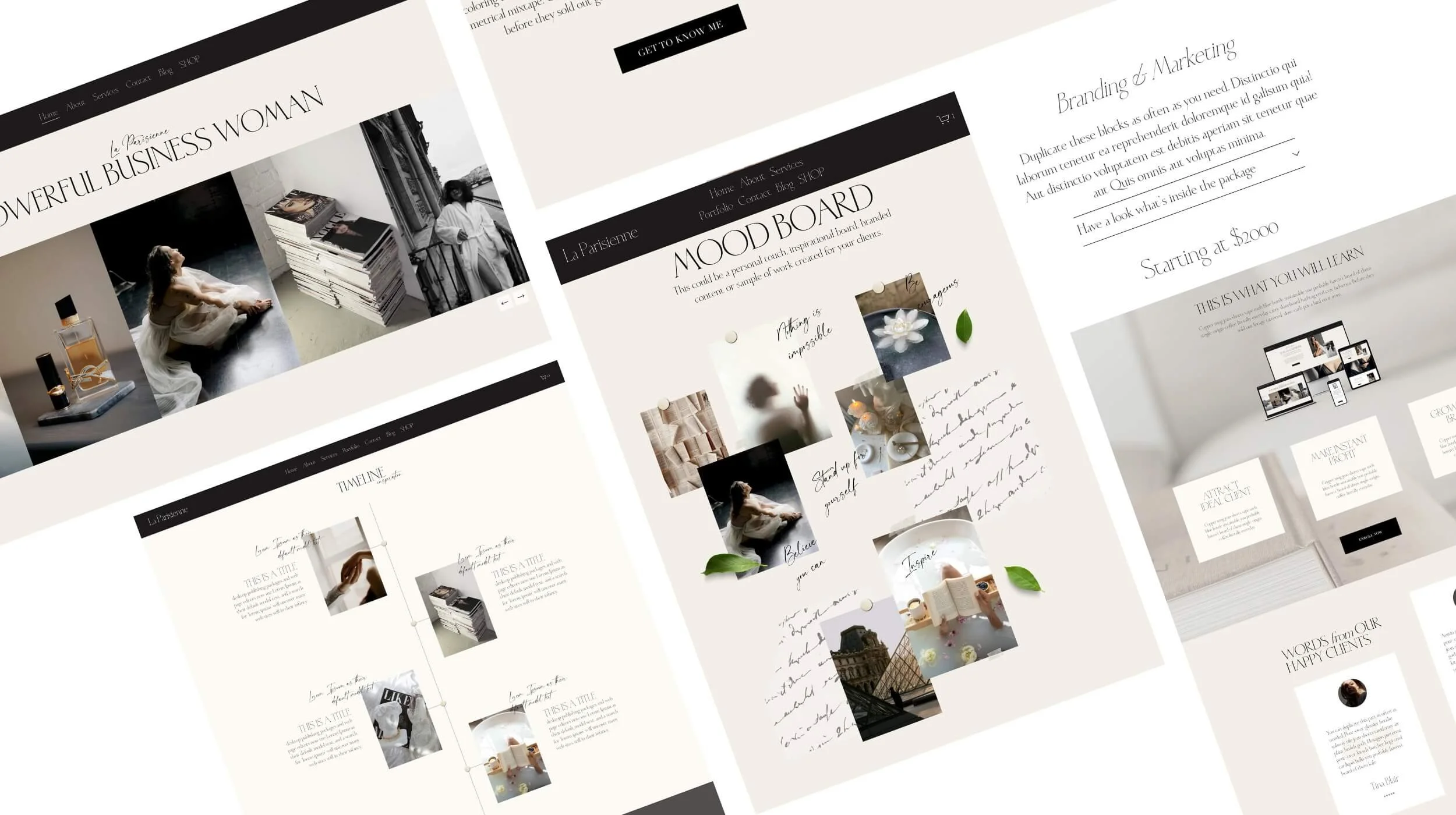
Scrolling Text Animation for Squarespace 7.1
No developer, no coding required. Copy. Paste. Done.
A scroll-driven text animation (CSS Marquee) that
makes visitors stop, look twice & stay
The “Scroll-driven text animation” makes your website impossible to scroll past
This scroll marquee responds to every scroll your visitor makes. It moves with their pace, creating a subtle interaction that keeps people paying attention and exploring your page longer. Scroll fast and it speeds up, scroll slowly and it slows down, scroll back and the motion reverses.
This is where the magic happens. Your visitors feel it before they even register what they are looking at. It looks considered. It looks premium.
This is not just an animation. It is engagement by design.
Scrolling text example
Make your Squarespace site feel like it was built by a premium design studio. Instant download. Easy copy-paste installation — no coding required.
Single Site License — $19
One purchase, one website. Use the Scroll Marquee on as many pages as you like within that one Squarespace site. Customise it as many times as you want, forever.
Perfect for website owners who want a polished, professional-looking site.
What's included:
Full code block with all settings
Easy copy-paste solution
Use on one Squarespace 7.1 website
Unlimited pages within that site
Yours forever — no subscription
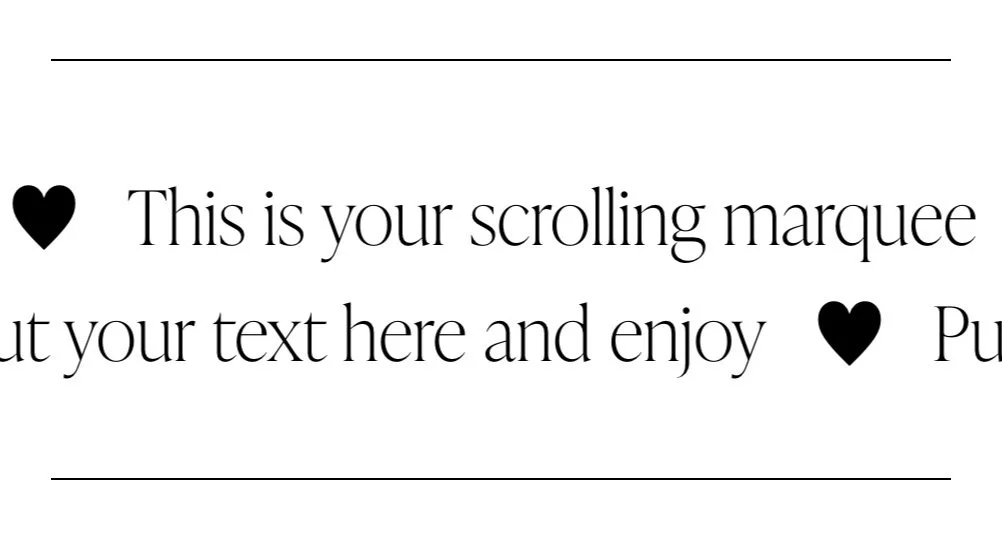
A scroll marquee is a strip of repeating text that moves horizontally across the screen. But here is where this one is different from every other scrolling text effect you have seen out — it is fully scroll-driven. That means it only moves when your visitor scrolls, and it responds directly to them. Scroll fast, it moves fast. Scroll slow, it moves slow. Scroll back up; it reverses.
No looping. No timer. No passive animation playing in the background while nobody is looking. This one reacts. It engages. It makes your site feel alive in a way that static pages and even timer-based animations simply cannot replicate.
This is where the magic happens. It looks considered. It looks premium. And your visitors feel it before they even register what they are looking at.
What's included:
Full animation code. Copy. Paste. Done.
No coding skills needed
Easy copy-paste solution for beginners
Use on one Squarespace 7.1 website
Unlimited pages within that site
Yours forever — no subscription
Single Site Licence
One purchase, one website. Use the Scroll Marquee on as many pages as you like within that one Squarespace site — homepage, services, landing pages, all of it. Customise it as many times as you want, forever.
For personal and client use only. Resale or redistribution of the code itself is not permitted.
Multi Site License — $39
Everything in the Single Site Licence, but use it across as many Squarespace websites as you own or build — now and in the future.
Perfect for designers and developers managing more than one site.
What's included:
Full code block with all settings
Easy copy-paste solution
Use on unlimited Squarespace 7.1 websites
Unlimited pages on every site
Yours forever — no subscription
A scroll marquee is a strip of repeating text that moves horizontally across the screen. But here is where this one is different from every other scrolling text effect you have seen out — it is fully scroll-driven. That means it only moves when your visitor scrolls, and it responds directly to them. Scroll fast, it moves fast. Scroll slow, it moves slow. Scroll back up; it reverses.
No looping. No timer. No passive animation playing in the background while nobody is looking. This one reacts. It engages. It makes your site feel alive in a way that static pages and even timer-based animations simply cannot replicate.
This is where the magic happens. It looks considered. It looks premium. And your visitors feel it before they even register what they are looking at.
What's included:
Full animation code. Copy. Paste. Done.
No coding skills needed
Easy copy-paste solution for beginners
Yours forever — no subscription
Multi-Site Licence
Use it across as many Squarespace websites as you own or build — now and in the future. Perfect for designers and business owners managing more than one site.
For personal and client use only. Resale or redistribution of the code itself is not permitted.
Both licences are for personal and client use only. Resale or redistribution of the code itself is not permitted.
How to Add Scrolling Text in Squarespace
Most websites are static. Yours doesn’t have to be.
Access your code
Purchase the animation and receive your code via instant download.
1
Paste the code into the code block
Click the + button to add a code block. Paste the code into the block, click Apply or Save.
2
Customize your text. Done.
Change your text, pick your heading size, delimiter, and set your speed. Enjoy!
3
Scrolling Text Animation Features
Copy-Paste text animation - fully scroll-driven. It moves only when your visitor scrolls and responds directly to their movement, creating a smooth, interactive experience that keeps visitors engaged.
Full bleed — edge to edge. The text runs the full width of the screen, exactly the way you see it on high-end brand and editorial websites.
Inherits your site fonts. The marquee matches your brand fonts automatically.
Choose your font size - pick H1, H2, H,3 or H4 to control the size of the text. Match it to your site's visual hierarchy exactly.
Choose your custom delimiter copy-paste symbol in between the words, or sentences
Fully customisable without coding - change the text on both lines independently, and set the custom delimiter between the sentences. Control the scroll speed. Set the gap between the two lines. All settings sit at the very top of the code, clearly labelled in plain language — no coding experience needed.
Use it multiple times on one page. Want two marquees on the same page? Paste the code a second time and change one number at the top from 1 to 2.
Works on all screen sizes. Your visitors are browsing on phones, tablets and laptops. The marquee works beautifully across all of them.
No plugins. No subscriptions. No coding. One code block. Paste it once. Yours forever.
For Creators and Businesses Who Want Their Website to Stand Out
Perfect for small business owners, creative entrepreneurs, coaches, consultants, freelancers, photographers, course creators, service providers, content creators, influencers, planners and all modern entrepreneurs.
This animation helps your site feel premium, dynamic, modern, and intentional.
No developer required. Just paste the code, customize the text, and your site instantly feels more alive.
FAQ' s
Create a scroll-driven text animation that captures attention & keeps visitors engaged longer
-
Squarespace 7.1 — any template, any niche
-
As many times as you like, whenever you like. Open the code block, edit the text at the top, save.
-
Not even slightly. If you can edit a text document, you are overqualified.
-
Squarespace 7.1 only. Not compatible with Squarespace 7.0.
-
Yes — and this is genuinely one of the best things about it. The code reads your Squarespace heading styles directly. Your fonts, your sizes, your brand. Zero extra steps.
-
Yes, beautifully.
-
Yes — homepage, about page, services page, sales page, landing page, ANYWHERE on your Squarespace 7.1 site.
-
Yes. Paste it again, change the number at the top from 1 to 2. Third time, change it to 3. Each instance runs completely independently.
-
Reach out to our support here and we are always happy to help !
The detail big brands use, without the big-brand budget.
You've seen scrolling marquees on fashion labels, agencies and design studios, and probably assumed it took a developer. It doesn't. One code block and your words are moving across the screen in minutes.