Squarespace Easing Generator
Free tool
•
Try for your project
•
Free tool • Try for your project •
Free tool to create custom easing curves
for Squarespace 7.1 block animations.
What is easing in web animations
Squarespace 7.1 now lets you set your own easing on block animations. That's what decides whether a block glides in smoothly, snaps into place, or bounces at the end. This free tool lets you design that feel visually, without guessing numbers.
Web design standards
Magnet and snap easing presets
Popular easing curves in Framer
Animation preview
Drag the slider to see how it moves with an On Scroll animation.
Your numbers
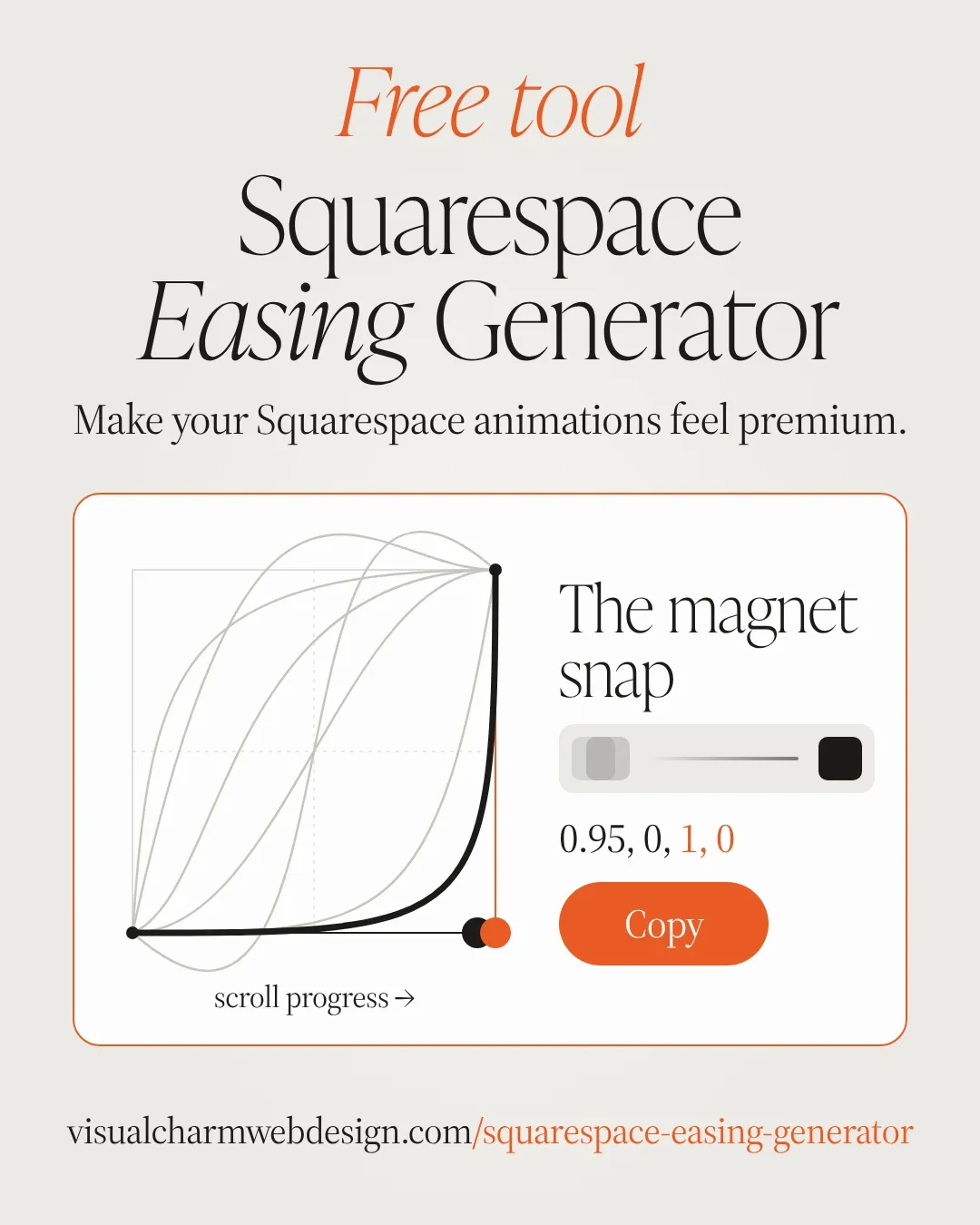
Black handle = 1st and 2nd number, shapes the start.
Orange handle = 3rd and 4th number, shapes the end.
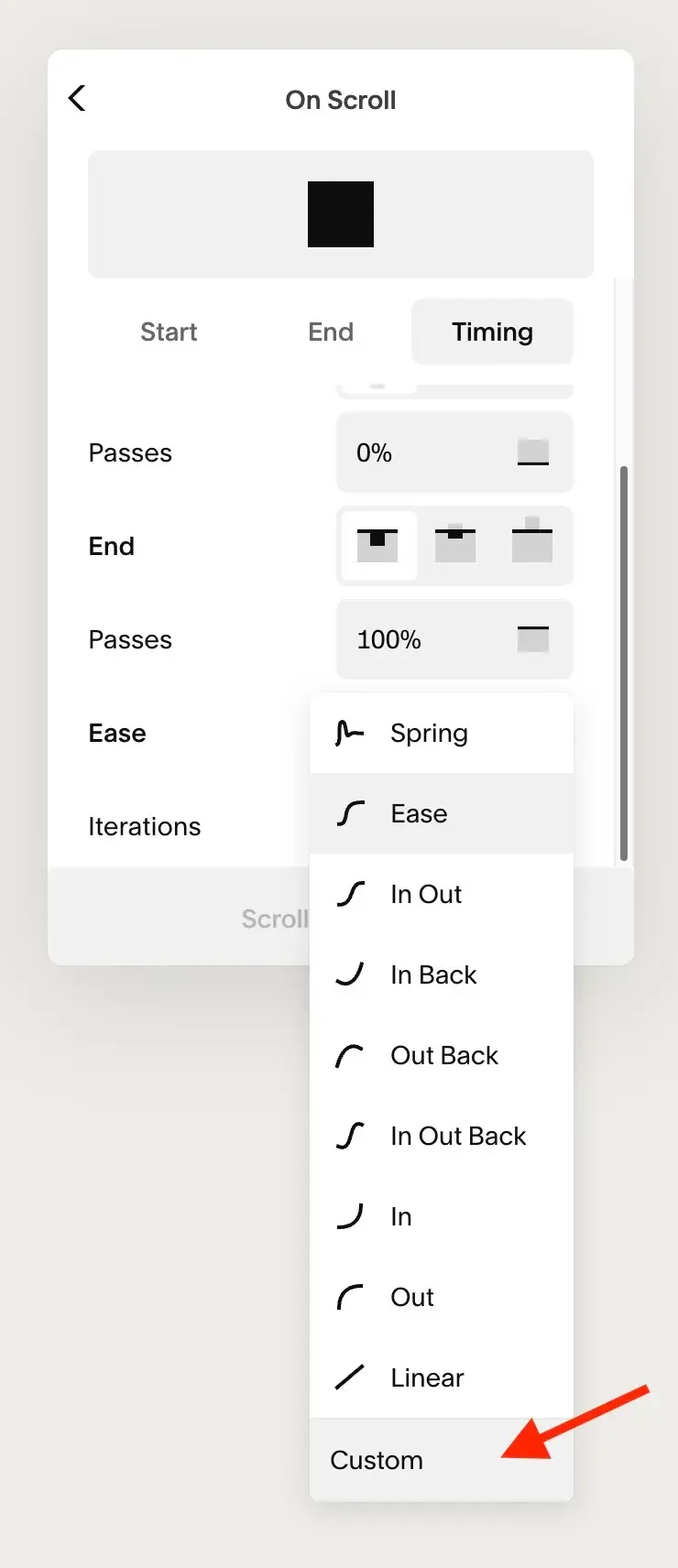
In Squarespace: block → Animation → Timing → Ease → Custom, then paste.
Made by Visual Charm Web Design • Creative Animations for Squarespace
How to use it this free easing generator
Pick a preset or drag the two handles on the curve to shape your own.
Press Play to watch how your block will move. You can also drag the slider to see it the way it moves while scrolling.
Click Copy and paste the numbers into Squarespace: block → Animation → Timing → Ease → Custom.
Try it yourself