
Squarespace animations FAQ
Animations for Squarespace 7.1 · Visual Charm Web Design
Squarespace 7.1 has a few built-in animations. For anything beyond them, you paste a small piece of code into a Code Block, and you need the Core, Plus or Advanced plan for it to run. These are the questions I hear most: how to add an animation, which plan to choose, and what to check when it isn't working.

The Basics
-
Squarespace 7.1 includes site-wide animations (Fade, Scale, Slide, Clip and Flex) and image block effects on scroll, on press, on hover, on appear, loop and follow. You switch these on with settings, so what they can do is fixed. For effects beyond that, such as a typewriter effect or a curved 3D image carousel, you add custom code.
-
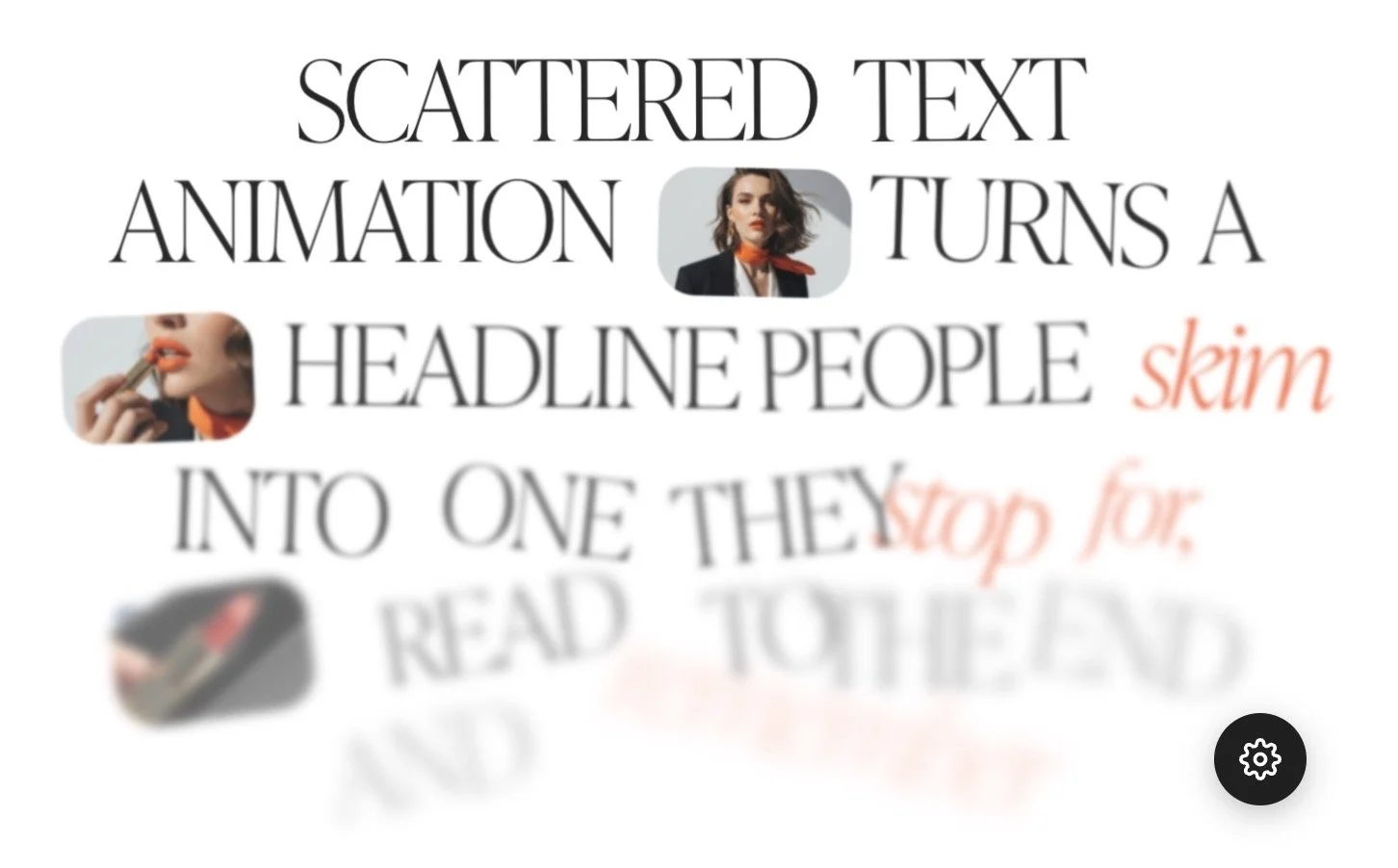
They are ready-made animations for Squarespace 7.1 that you add by pasting code into a Code Block. The range includes a scrolling text animation, a typewriter effect, a curved image carousel and a scattered text animation on scroll. Each one has a visual editor, so you adjust it by clicking instead of editing code.
-
No. You paste the code into a Code Block once. After that you change the look in the visual editor, copy the new code it gives you and paste it back. Every animation comes with a step-by-step install guide.
-
Text animations pick up the font your site already uses, so they match the rest of your design without extra setup.
-
They are built and tested for Squarespace 7.1, so they are not designed for 7.0 sites. Squarespace 7.0 uses a different editor and a different system.
Plans and installing
-
You need the Core, Plus or Advanced plan. Squarespace only runs JavaScript in a Code Block on those plans, and some older Business and Commerce plans include it too. On the Basic plan, JavaScript does not run in a Code Block, so the animation will not work.
-
1. Open the page and click Edit. 2. Click Add Block where you want the animation and choose Code. 3. Click the pencil icon on the block and set the Mode to HTML. 4. Paste the animation code and save. 5. Open the published page while logged out, or in a private window, to see it working.
-
Yes. Paste the Code Block wherever you want the animation to appear. Each copy works on its own, including when you use more than one on the same page.
-
Each animation is a small piece of code that sits in one Code Block, so it only runs on the page where you place it. The rest of your site is not affected. As with any animation, use it where it helps the design, not on every section.
-
Not in the sense of an app you install. Each animation is a single piece of code that you paste into a Code Block, so you add only the effect you need.
When something isn’t working
-
Check these in order.
1. Plan: JavaScript in a Code Block needs the Core, Plus or Advanced plan.2. Mode: the Code Block must be set to HTML.
3. Full code: make sure you copied all of the code, because a partly pasted block will not run.
4. Where you look: view the published page while logged out or in a private window, because Squarespace can hide custom code while you edit.
If it still fails, send me a message through the contact form and choose Support as the topic.
-
Squarespace can hide custom code while you are editing, as a security measure. The code is usually fine. Open the published page while logged out, or in a private window, to see the real result. Refreshing the page usually helps. Sometimes the browser freezes, so if the animation still does not show, reload the page in a new window.
-
The Code Block is not in HTML mode. Click the pencil icon on the block, set the Mode menu to HTML and save. Squarespace shows CSS and JavaScript as plain text when another mode is selected.
Buying and support
-
You get an instant download with everything you need to install it, including a link to a step-by-step install guide.
-
Each purchase includes a licence for one website. If you want to use an animation on more than one site, you need to buy the multi-site licence.
-
Yes. The free Squarespace easing generator lets you drag a curve, preview it and copy the numbers for your Squarespace 7.1 animations. It includes Magnet, snap and Framer presets.
See the animations: scrolling text, typewriter effect, curved image carousel and scattered text on scroll. Also use the free Squarespace easing generator. Looking for a website template instead? Read the Squarespace templates FAQ.
Made by Nikol, Squarespace designer at Visual Charm Web Design · Updated October 2026