
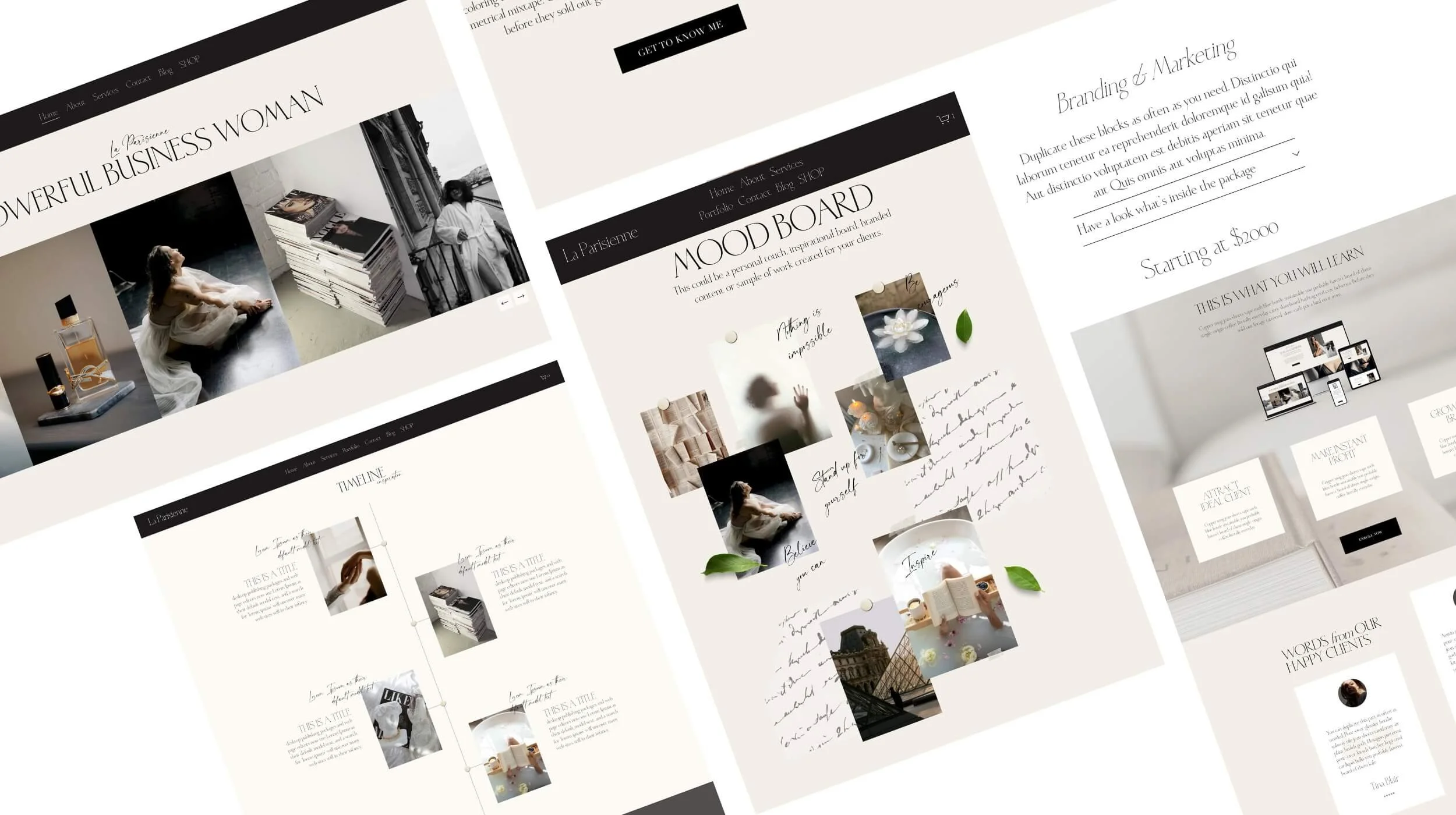
Typewriter effect animation for Squarespace 7.1
No developer, no coding required. Copy. Paste. Done.
The Squarespace text animation that makes Your Brand Unforgettable.
Typewriter effect example
Your website has about 3 seconds to make an impression. This Squarespace typewriter animation does the heavy lifting for you.
Every second someone lands on your site without a reason to stay, they're gone. The typewriter effect doesn't just look great — it tells your story, names your services, and invites people to keep reading, all in the first 3-5 seconds.
No coding. Copy, paste, done.
Add a stunning typewriter effect animation to your Squarespace website in under 3 minutes
Typewriter Effect Animation Features
Copy. Paste. Done. — That's It.
No plugins, no apps. Just paste the code into a Code Block anywhere on your site and watch the magic happen.
Works on any Squarespace 7.1 site
Whether you're using a minimal layout or a bold editorial design, this animation plays beautifully alongside any font and any color scheme your site already uses.
Fully Customizable
The code includes a clearly labeled settings section where you can edit everything in plain language — no coding dictionary required.
Looks Premium
The typewriter effect is one of the most loved animations on the web — used by brands like Apple and high-end agencies worldwide. Now your Squarespace site can have it too.
Instant Delivery
Download your animation the second you purchase. No waiting. Just open the file, copy, paste, done.
Made for Non-Coders
If you can edit text in Squarespace, you can use this animation. The settings are written to be human-readable and clearly commented so you always know what you're editing.
What You Can Customize
Your rotating words — the phrases that type and delete in a loop
Your static intro text — the part that doesn't change ("We create", "I help", "Built for")
Text color and cursor color — to match your exact brand palette
Cursor style — a classic bar |, an underline _, or even a custom emoji ✦
Typography — H1, H2, H3, or paragraph style to match your existing site fonts
Text alignment — left, center, or right
Animation speed — typing speed, delete speed, pause length between words
Custom font size, letter spacing, and line height— for total control over how it looks
Built for You — and Your Dream Clients
The typewriter animation works beautifully for any creative business or personal brand on Squarespace
Creative Entrepreneurs
Brand designers, website designers, photographers, and creative agencies who want their portfolio or studio site to make a bold first impression.Digital Businesses
Virtual assistants, social media managers, e-commerce brands, and content creators who need a site that immediately communicates what they do and who they serve.Luxury & Boutique Fashion brands, boutique hotels, skincare brands, and jewelry designers who need every detail of their site to feel elevated and intentional.
Thought Leaders
Authors, course creators, podcasters, and consultants who want their site to announce their expertise the second someone lands on it.Personal Brands
Coaches, mentors, freelancers, beauty professionals, stylists, and lifestyle influencers who want a website that feels alive and magnetic.Wellness & Lifestyle Health coaches, yoga studios, mindfulness coaches, and spas who want their website to feel as calming — or as vibrant — as their brand.
Get Typewriter Animation for Squarespace 7.1
Single Site License
Price: $19
One purchase, one website. Use the Typewriter effect on as many pages as you like within that one Squarespace site — homepage, services, landing pages, all of it. Customise it as many times as you want, forever.
What's included:
Full code block with all settings
Easy copy-paste solution
Use on one Squarespace 7.1 website
Unlimited pages within that site
Yours forever — no subscription
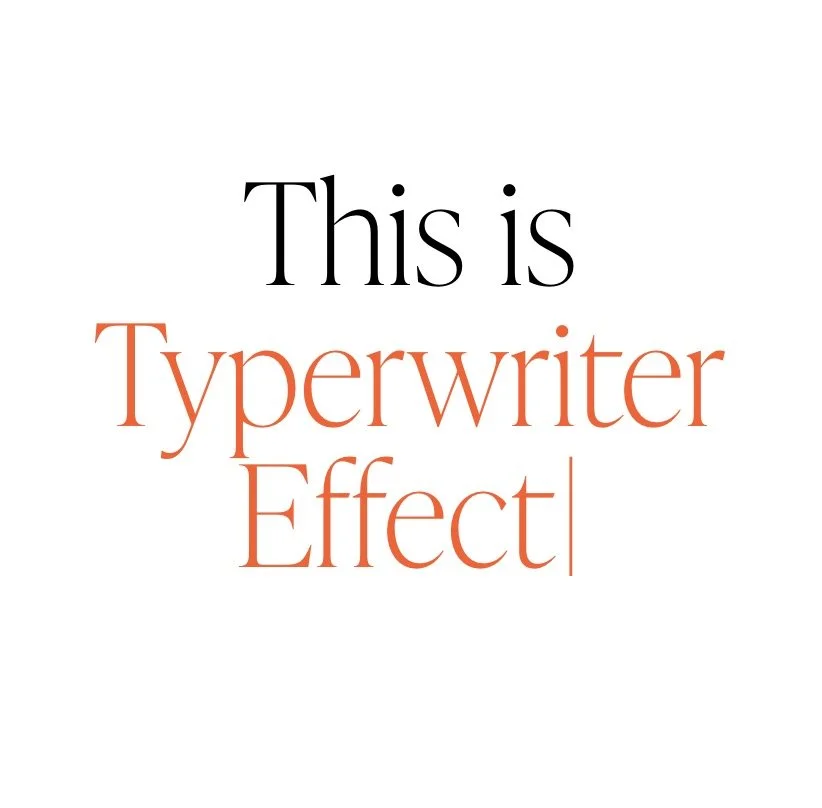
Bring movement to your headline in a clean, elegant way.
This Squarespace 7.1 typewriter effect lets you display a static phrase followed by typing, pausing, deleting, and repeating. It is ideal for websites that need an instant, memorable first impression while still maintaining a refined brand aesthetic.
Multi-Site License
Price: $39
Everything in the Single Site Licence, but use it across as many Squarespace websites as you own or build — now and in the future. Perfect for designers and business owners managing more than one site.
What's included:
Full code block with all settings
Easy copy-paste solution
Use on unlimited Squarespace 7.1 websites
Unlimited pages on every site
Yours forever — no subscriptions
Bring movement to your headline in a clean, elegant way.
This Squarespace 7.1 typewriter effect lets you display a static phrase followed by typing, pausing, deleting, and repeating. It is ideal for websites that need an instant, memorable first impression while still maintaining a refined brand aesthetic.
Instant download. Easy copy-paste installation — no coding required.
Both licences are for personal and client use only. Resale or redistribution of the code itself is not permitted.
Most websites are static. Yours doesn’t have to be.
How to Add Typewriter Effect animation in Squarespace
Access your code
Purchase the animation and receive your code via instant download.
1
Paste the code into the code block
Open your Squarespace editor, add a Code Block to any section, and paste the code. It really is that simple.
2
Customize your text. Done.
Change your words, colors, and speed to match your brand. Save. Publish. Done.
3
FAQ' s
Questions about typewriter animation for your Squarespace website?
-
Squarespace 7.1 — any template, any niche
-
As many times as you like, whenever you like. Open the code block, edit the text at the top, save.
-
Not even slightly. If you can edit a text document, you are overqualified.
-
Squarespace 7.1 only. Not compatible with Squarespace 7.0.
-
Yes — and this is genuinely one of the best things about it. The code reads your Squarespace heading styles directly. Your fonts, your sizes, your brand. Zero extra steps.
-
Yes, beautifully.
-
Yes — homepage, about page, services page, sales page, landing page, ANYWHERE on your Squarespace 7.1 site.
-
Yes. Paste it again. Each instance runs completely independently.
-
Reach out to our support here and we are always happy to help !
Make your website feel Premium.
For $19, you skip the tutorials, the trial and error and the code. Paste one block, set it up and your headline starts typing in minutes.
No plugins. No developer. No subscription. Just paste and publish. Done in under a minute.