 Image 1 of 1
Animation editor
Text
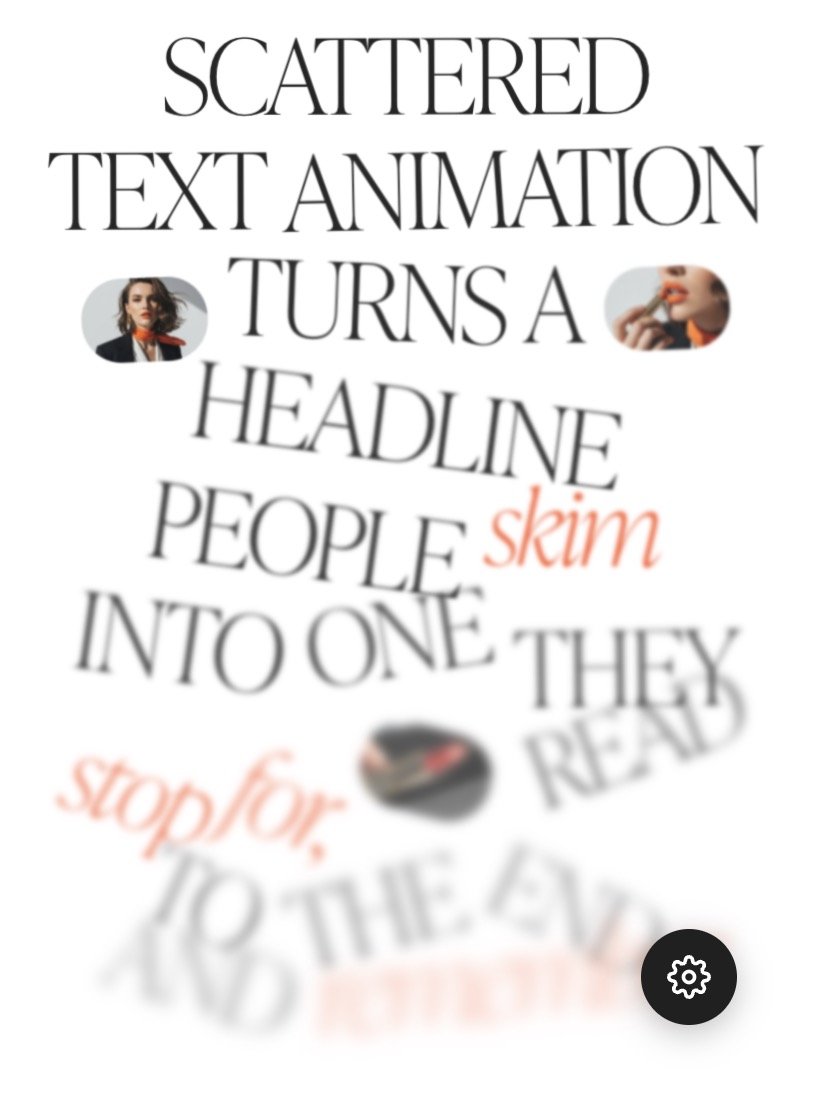
Each line assembles one after another.
Style the words
Click one or more words, then pick a style.
Nothing picked yet.
No visible change? Your font may not have that weight.
Text style
Uses your site's own styles from Design → Fonts.
Text size
Same size as your site's text style.
1× = your site's size. Mobile applies below 768px.
1rem ≈ 16px.
Image settings
Add pictures here, then place them in the text with the "+ Picture after this word" button above.
1× = as tall as a line of text.
Grows out of its place in the line.
How long the enlarging takes. Lower = faster.
Scatter settings
Where the words wait before they assemble.
Change the number to get a different scatter.
Lower = calmer scatter on phones.
Scroll settings
Follows the scroll: moves as you scroll, both ways. Plays once: runs when a line appears.
Higher = the text assembles with less scrolling.
Low = one line at a time. High = lines overlap.
Avoid Upper if the block is at the very bottom of the page.
Fine tuning
Tick a box to override your site's setting, or just drag the slider.
Save your changes
- Click Generate updated code
- Click Copy code
- Close this window (X in upper right)
- On this page, go into edit mode again, open this code block and select all (Ctrl/Cmd + A) — this deletes the existing code
- Paste the new code and Save
You just tried 4 settings. The full animation comes with 45+ more settings to shape every detail and make it truly Yours